How the Sprint Analytics Report Works: Fixes, Themes, and What Worked
Convert a month of sprint analytics into a structured performance review over Content Hub MCP, covering what worked, what needs fixing, and recurring content themes.
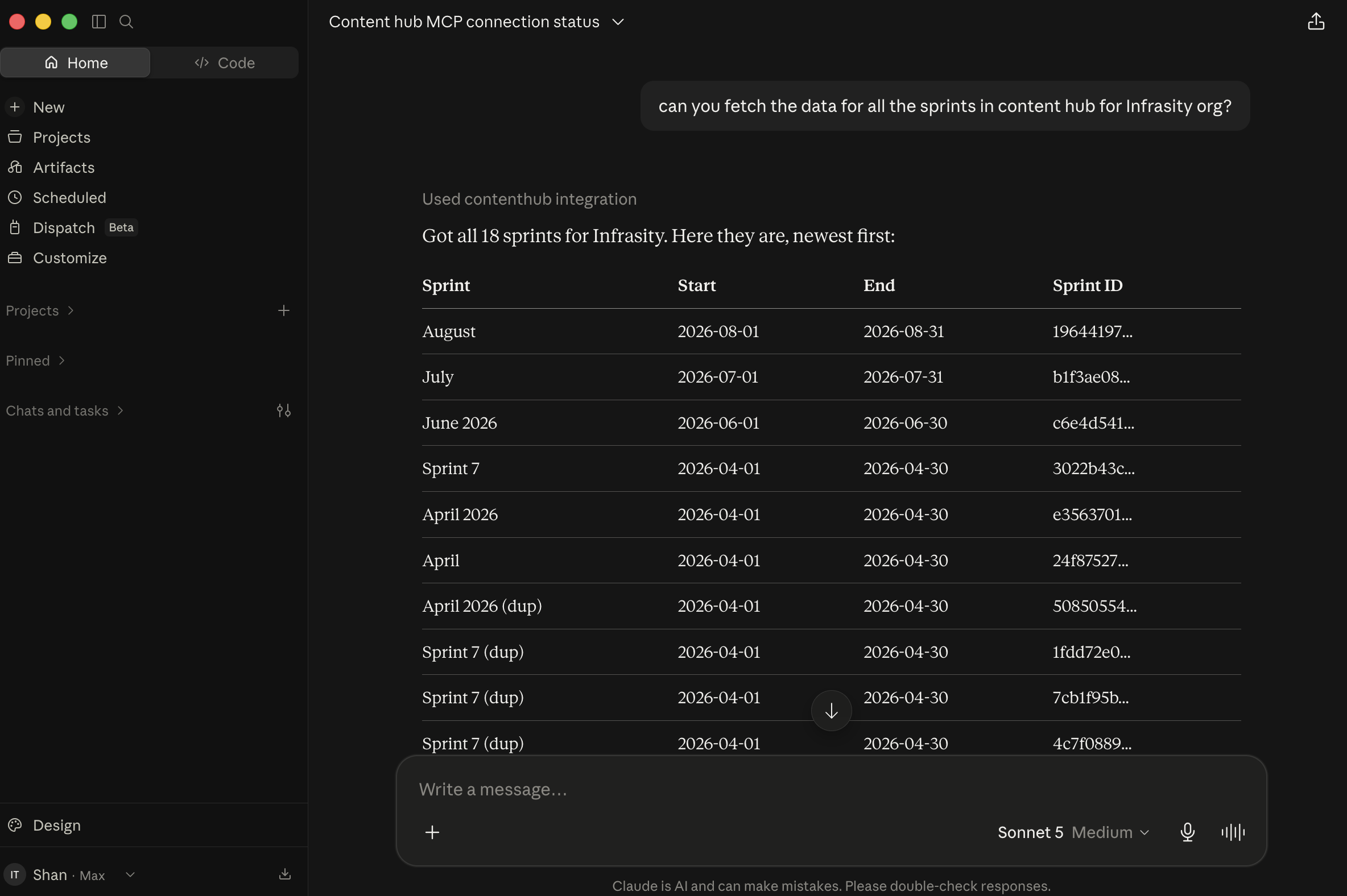
Connect Claude Desktop to Infrasity's Content Hub over MCP (see the Content Hub MCP setup guide). You can then convert a month of sprint analytics into a structured review of what worked, what needs fixing, and the recurring content themes, in a single conversation.
Before you start
- The sprint to review exists in Content Hub.
- GSC and GA4 are connected, so performance data is available.
- The sprint's topics are updated with their published URLs.
Fetch the sprint-wise analytics report
Request the sprint-wise analytics report for July for the Infrasity organization.
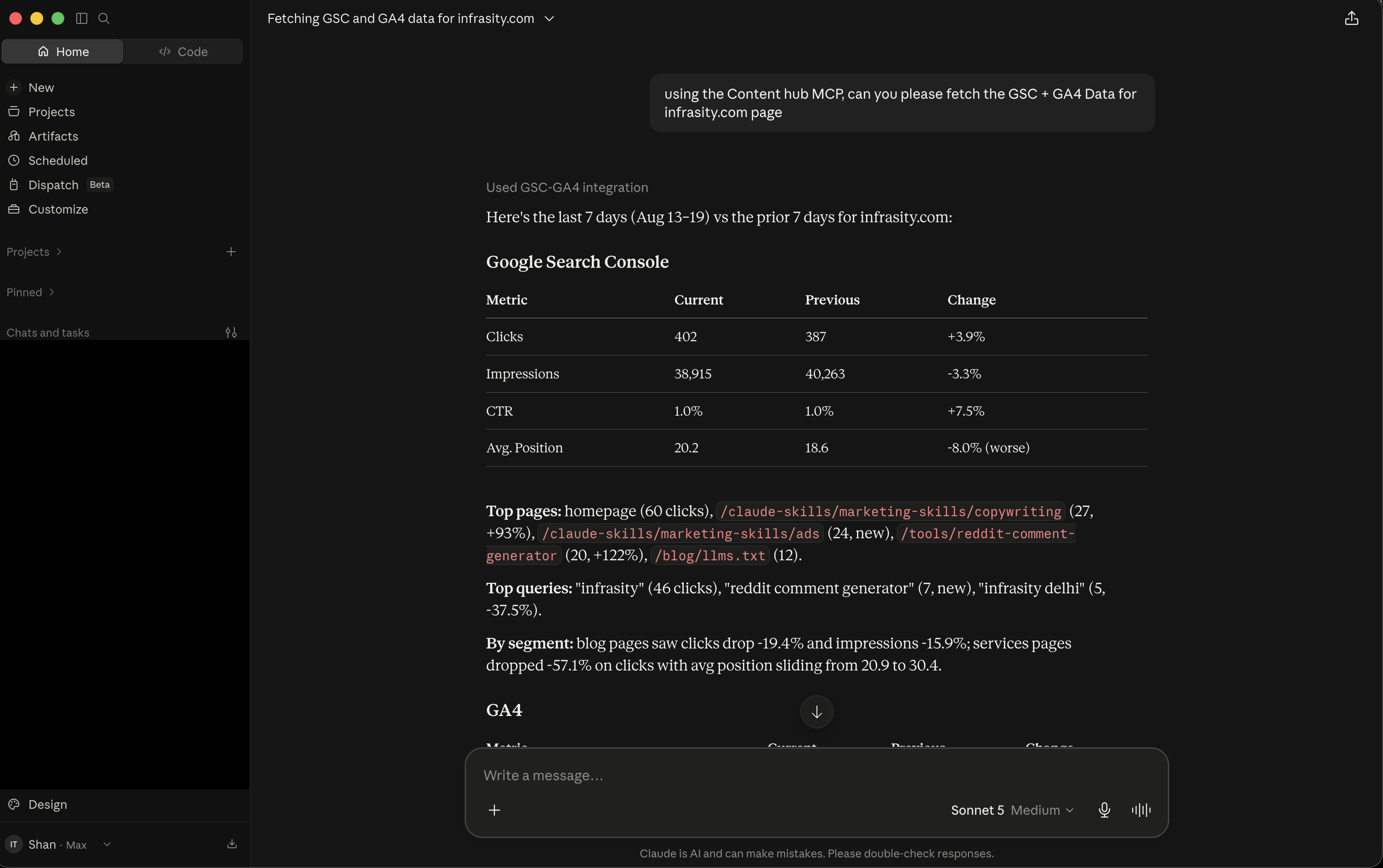
Claude identifies the company and its sprints, then returns a per-topic table for the full July sprint window. The table lists clicks, impressions, CTR, average position, sessions, and users, each compared with the prior period. It covers the 11 topics that had refreshed data that month.
Claude closes the table with highlights:
- The Product Hunt launch piece led on impressions (+1,112).
- The GEO Playbook posted the largest ranking change (+33.64 average position).
- Only one topic, B2B Buyer Journey, trended negative.
- Roughly half of the sprint's 25 topics had no refreshed GSC data, because they were unpublished or not yet indexed.
Request fixes, themes, and what worked
Content Hub uses three review categories:
- What Worked: the sprint's clearest wins, ranked by the signal that supports each, such as an impression increase or a ranking gain.
- Fixes: the topics losing ground, each with the signal behind the decline and a suggested action.
- Themes: every topic in the sprint grouped into recurring content pillars, showing where the sprint's effort went.
With the analytics already in the conversation, request the Fixes, Themes, and What Worked review for the sprint.
Claude first checks for a sprint intelligence tool. For July, that tool returned no data. Claude states this and derives the review from the sprint analytics already retrieved.
What Worked ranks the Product Hunt launch piece for impression growth and the GEO Playbook for its ranking gain. Fixes identifies two topics losing ground:
| Topic | Signal | Suggested Fix |
|---|---|---|
| B2B Buyer Journey: When Prospects Ask LLMs Instead of SERP | -140 impressions, -4 sessions, -4.16 avg position | Losing visibility, worth a content refresh or internal-linking boost |
| AI Agent Content Strategy for B2B SaaS | -24 impressions, -1 session, flat clicks | Underperforming relative to sprint average, check for keyword overlap with another topic |
Themes groups July's 25 topics into recurring pillars. GitHub Marketing and GEO/AEO & AI Search are the two largest.
Request takeaways
Request a condensed list of takeaways for the review.
Claude returns a numbered list, each item supported by specific figures:
- GEO/AEO content outperforms the rest of the sprint, led by the GEO Playbook's ranking gain and steady growth for AEO for Developer Tools.
- GitHub Marketing is the most consistent performer.
- The Product Hunt piece produced the largest single traffic increase.
- B2B Buyer Journey lost search visibility despite covering search behavior.
- Nearly half of the sprint's topics have no tracked data yet.
The sprint analytics now form a structured review of fixes, themes, and takeaways, produced in one Claude Desktop conversation.
To review your own sprint, open app.infrasity.com and request its fixes, themes, and what worked.