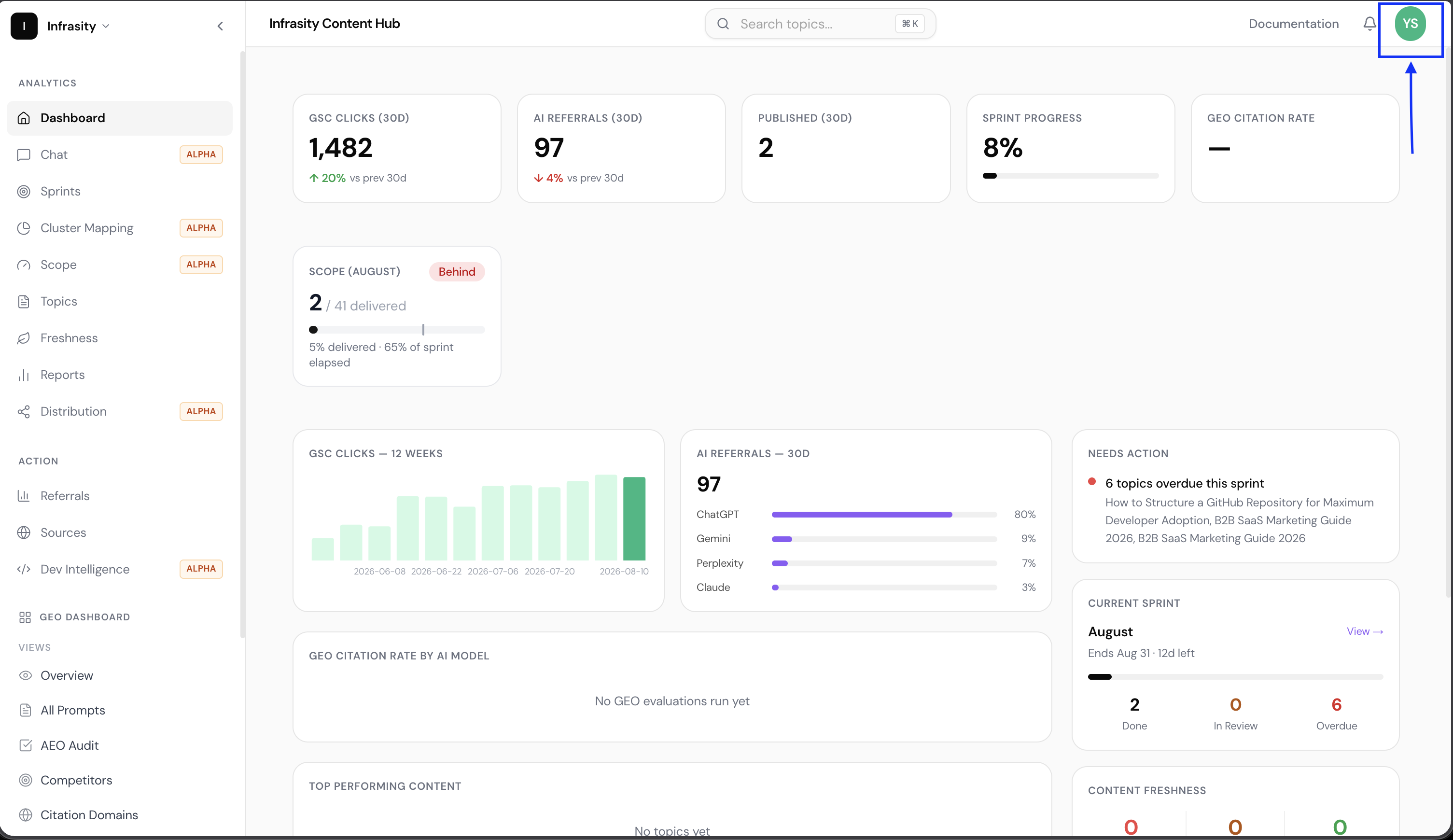
Sprint Analysis: How to Get Sprint Data From Content Hub Using MCP
Retrieve sprint data, topics, publish status, GSC performance, and trend history in a Claude Desktop chat instead of the Sprints tab.
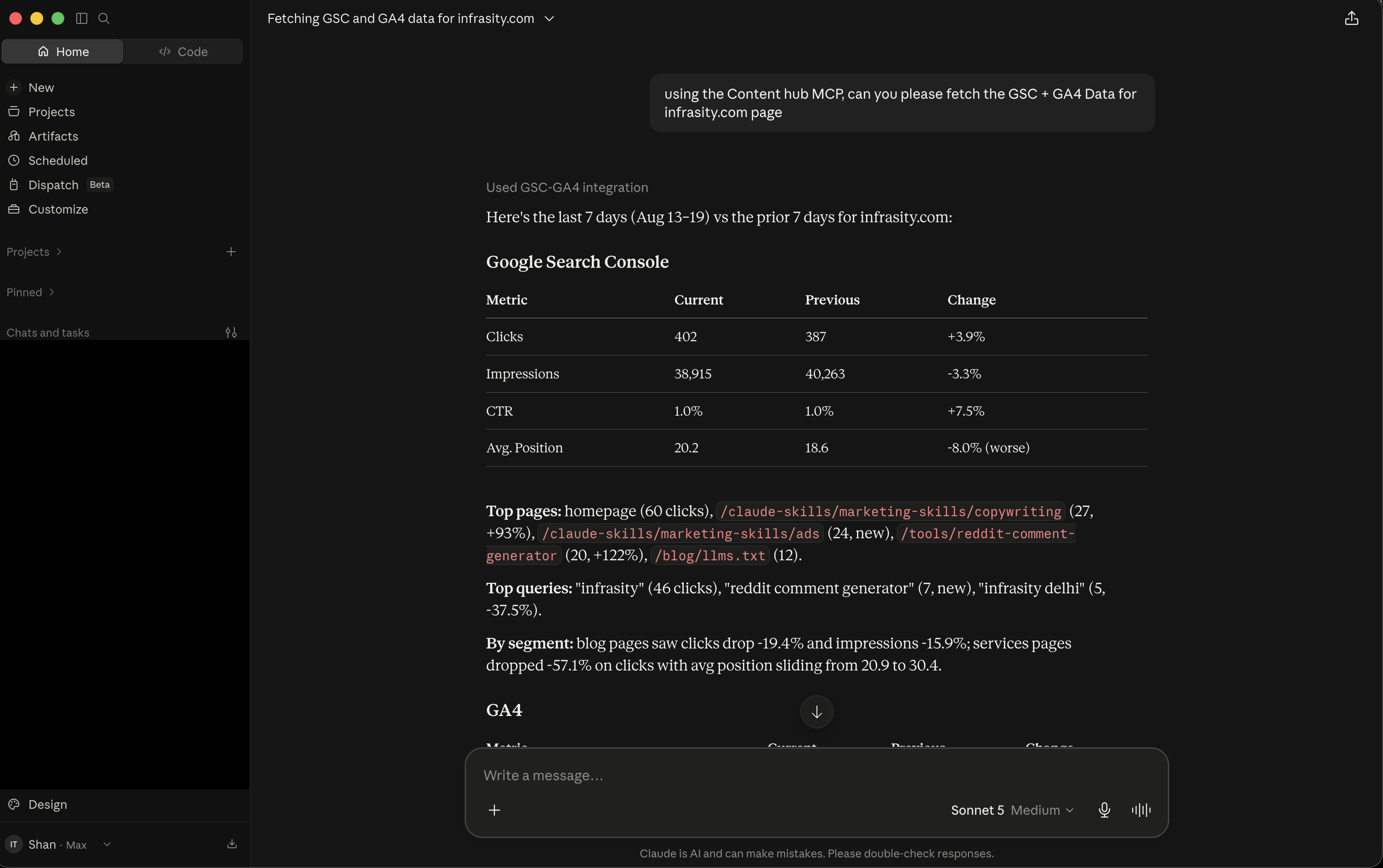
A sprint is a Content Hub planning cycle: a batch of topics assigned to a fixed window, usually a month, that progress from idea through drafting to publication. When Claude Desktop is connected to Infrasity Content Hub through MCP, you can retrieve topics, publish status, GSC performance, and trend history for any sprint in a chat. If you have not connected yet, follow the Content Hub MCP setup guide.
Before you start, confirm the following:
- At least one sprint exists in Content Hub.
- GSC and GA4 are integrated, so performance data is attached to the sprint.
- The sprint's topics have their published URLs set.
List all sprints
Request the data for all sprints in Content Hub for the Infrasity organization.
Claude returns each sprint's name, start date, end date, and sprint ID, newest first. Duplicate sprint entries appear in the same list, so you can identify data quality issues before analyzing a single sprint.
Retrieve the data for one sprint
Request all data for the June 2026 sprint in the Infrasity organization.
Claude summarizes the sprint instead of returning raw JSON. The summary contains:
- An overview with the sprint window, topic count, and published versus unpublished topics.
- A table of every topic with its target keyword, publish date, and URL.
Claude then adds the most recent GSC performance snapshot. It compares the last few weeks with the prior period to show which articles are gaining or losing search visibility, and it ends with a headline takeaway.
Analyze the data for insights and takeaways
With the sprint data in the conversation, ask Claude for the key insights and takeaways.
Claude analyzes the full trend history, not only the latest snapshot, and assigns each topic to a category:
- Breakout winner: a topic with a significant ranking increase.
- Steady riser: a topic that compounds gradually.
- Event-tied decay: event-related content, such as a conference piece, that declines along an expected curve. This is not a defect.
Claude also identifies items that need action:
- A decliner, with a likely cause and a suggested fix.
- A topic with impressions but zero clicks, which indicates a click-through rate problem rather than a visibility problem.
- Early positive signals on newer content.
- Data hygiene issues, such as duplicate entries.
The analysis ends with a one-line bottom line for the sprint.
You can complete this review, from the sprint list to analyzed takeaways, in a single Claude Desktop conversation.
Open app.infrasity.com and review your current sprint before you plan the next one.