How to Pull GEO Cluster Details Using Content Hub MCP
Connect Claude Desktop to Content Hub over MCP and retrieve GEO cluster performance in a conversation instead of the dashboard.
Infrasity Content Hub tracks GEO (Generative Engine Optimization) performance: which prompts cite your site across AI models, where you rank, and where the gaps are. A GEO cluster is the unit of tracking. It is a themed group of prompts, such as "developer marketing agency" queries, that Content Hub runs against AI models on a recurring schedule. By connecting Claude Desktop to Content Hub through the Model Context Protocol (MCP), you can retrieve this data in a conversation instead of the dashboard.
Before you start, confirm the following:
- A GEO cluster exists in Content Hub and has prompts added to it.
- The cluster has completed at least a few GEO runs, so citation and ranking data is available.
Open Content Hub settings and find AI Connections
Select your account avatar in the top-right corner of Infrasity Content Hub.
The dropdown shows your signed-in account and current team. Select Settings.
Settings opens on the Team tab. Select Integrations, then scroll to the AI Connections (MCP) section.
This section contains:
- Claude · AI Agents (MCP): the endpoint (
https://app.infrasity.com/api/mcp) and its live status, for example "Online · 67ms". - Connect Claude Desktop: an expandable panel with an estimated setup time of about 2 minutes.
- Your connections: a table of existing connections with columns for app, connected date, active tokens, 24h calls, and last used. Each connection has a Revoke option.
Review the Connect Claude Desktop instructions
Expand Connect Claude Desktop. The panel provides tabs for macOS, Windows, and Linux, each with two numbered steps:
- Open Claude Desktop's config editor. In Claude Desktop, select Claude → Settings… from the menu bar, then Developer → Edit Config. This opens
claude_desktop_config.jsonin your default editor. For older versions without a Developer tab, use the "Open the file directly" toggle. - Add the Content Hub entry. Copy the JSON snippet with the Copy button. If the file is empty or contains only
{}, replace the entire contents with the snippet. If the file already definesmcpServers, do not overwrite them. A second example shows how to add"contenthub"as another entry in the existing block.
Open the Claude Desktop config editor
In Claude Desktop, select your account name in the bottom-left corner, then select Settings.
Open the Developer tab. Under Local MCP servers, select Edit Config.
The file claude_desktop_config.json opens in your default editor. On macOS, it is located in ~/Library/Application Support/Claude/.
Add the Content Hub MCP entry to the config
A new configuration typically contains only Claude Desktop preferences and no mcpServers block.
Add the contenthub entry under mcpServers:
{
  "mcpServers": {
    "contenthub": {
      "command": "npx",
      "args": [
        "-y",
        "mcp-remote",
        "https://app.infrasity.com/api/mcp"
      ]
    }
  }
}
If other MCP servers are already configured, do not overwrite them. Add "contenthub" as another entry inside the existing "mcpServers" block.
Gotcha
JSON requires a comma between entries but not after the last entry. Claude Desktop rejects the file if the syntax is invalid. Validate the file with a JSON validator, such as jsonlint.com, before saving.
Save the file. The mcpServers block now matches the following example.
Restart Claude Desktop and test the connection
Quit Claude Desktop completely and reopen it to load the new configuration. Open a new chat and ask whether Content Hub MCP is connected.
On the first request, mcp-remote opens your default browser to the Authorize MCP CLI Proxy page on app.infrasity.com. The page shows the signed-in user, the team being authorized (for example, "INFRASITY · FULL ACCESS"), and the permissions the connection grants:
- Read sprints, topics, GEO data, reports, and analytics.
- Create, edit, and delete topics and sprints.
- Configure integrations that are already connected.
Select Allow.
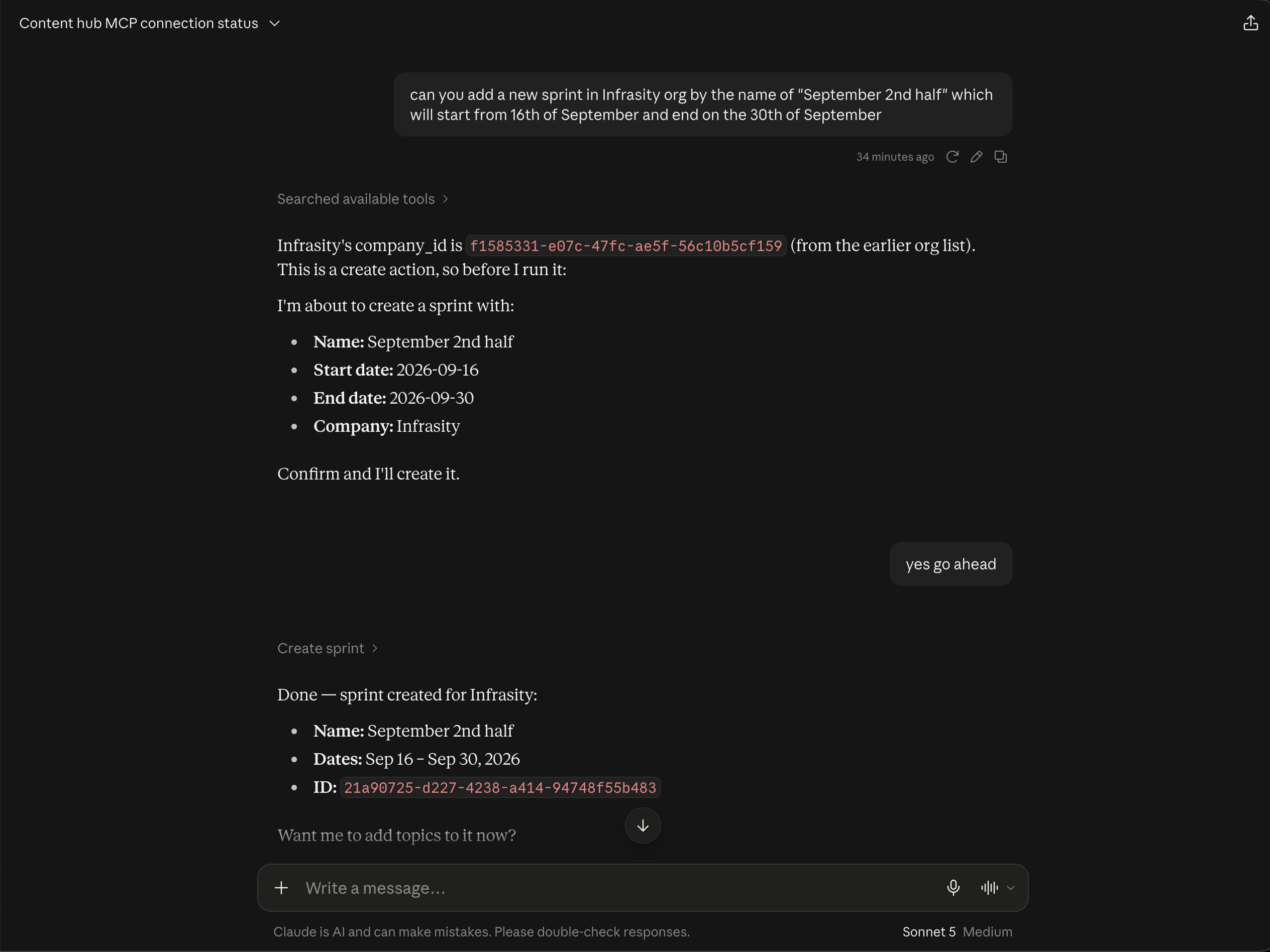
After authorization, close the browser tab and return to Claude Desktop. Claude calls the List companies tool and confirms the connection. In this example, the account contains 49 companies, including Infrasity, Qodo, Firefly, Lightrun, ox-security, and Elastic.
Request the GEO cluster
Request the details of the Developer Marketing GEO cluster for the Infrasity organization.
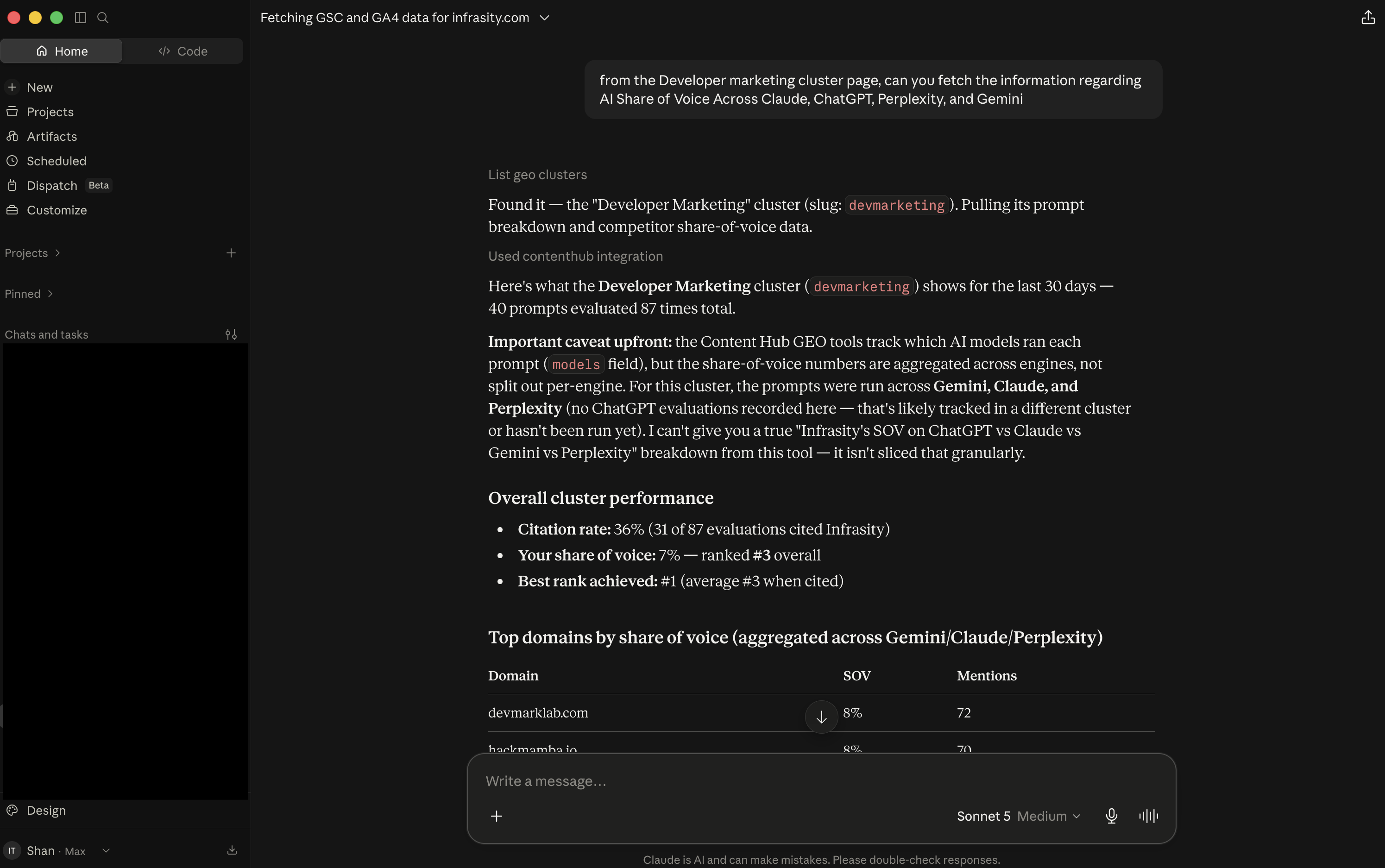
Claude calls List geo clusters, and a "Used contenthub integration" note appears. Claude matches the cluster (slug: devmarketing) and retrieves its prompt breakdown and citation data. The overview covers the last 30 days:
- 40 tracked prompts and 36 evaluation runs.
- Target:
infrasity.com. No competitors are set on the cluster. - Infrasity is cited across most prompts and usually ranks #1 among cited domains where it appears.
Review the strongest-performing prompts
The same response lists the prompts where the cluster performs best, followed by recent ranking changes.
Strong performers (high citation rate, rank #1)
"best developer marketing agency for AI startups...": 88% citation, #1, stable · "Top developer marketing agencies focusing on API products": 84%, #1, stable · plus 3 more prompts all at 84%, rank #1.
- Improved: "Developer marketing agency vs. traditional B2B marketing agency" (rank 6→1), "Developer relations and developer marketing agency combined" (3→1), and "top B2B SaaS marketing agencies focusing on developer audiences" (4→1). Seven prompts improved overall.
- Declined: "What is a developer marketing agency and what do they do" (rank 2→3, citation rate 72%). This content may need a refresh.
Review recurring competitors and content gaps
Further down, Claude lists domains that frequently outrank or co-appear with Infrasity but are not tracked as competitors on this cluster. It then lists the largest gaps.
- Recurring competitor domains in Share of Voice:
hackmamba.io,draft.dev,catchyagency.com,devmarklab.com,business.daily.dev,dev.to,marketerhire.com. - Largest gaps: 6 of 40 prompts have a 0% citation rate. They cover developer marketing agency pricing and packages, pricing models, typical cost, ROI measurement, global presence (UK, US, global), and PLG marketing agencies for developer tools.
- Interpretation: Infrasity is not cited when AI engines are asked about cost or measurable ROI.
Claude Desktop is now connected to Content Hub. You can retrieve GEO cluster performance, gaps, and recommendations in a conversation.
Open app.infrasity.com and review your own GEO cluster to see where you gain and lose citations.