How to Analyze a Single GEO Prompt Using Content Hub MCP
Retrieve the full detail for one tracked GEO prompt over Content Hub MCP, then read its status, who else is cited, how each engine answers it, and what to do to move up to
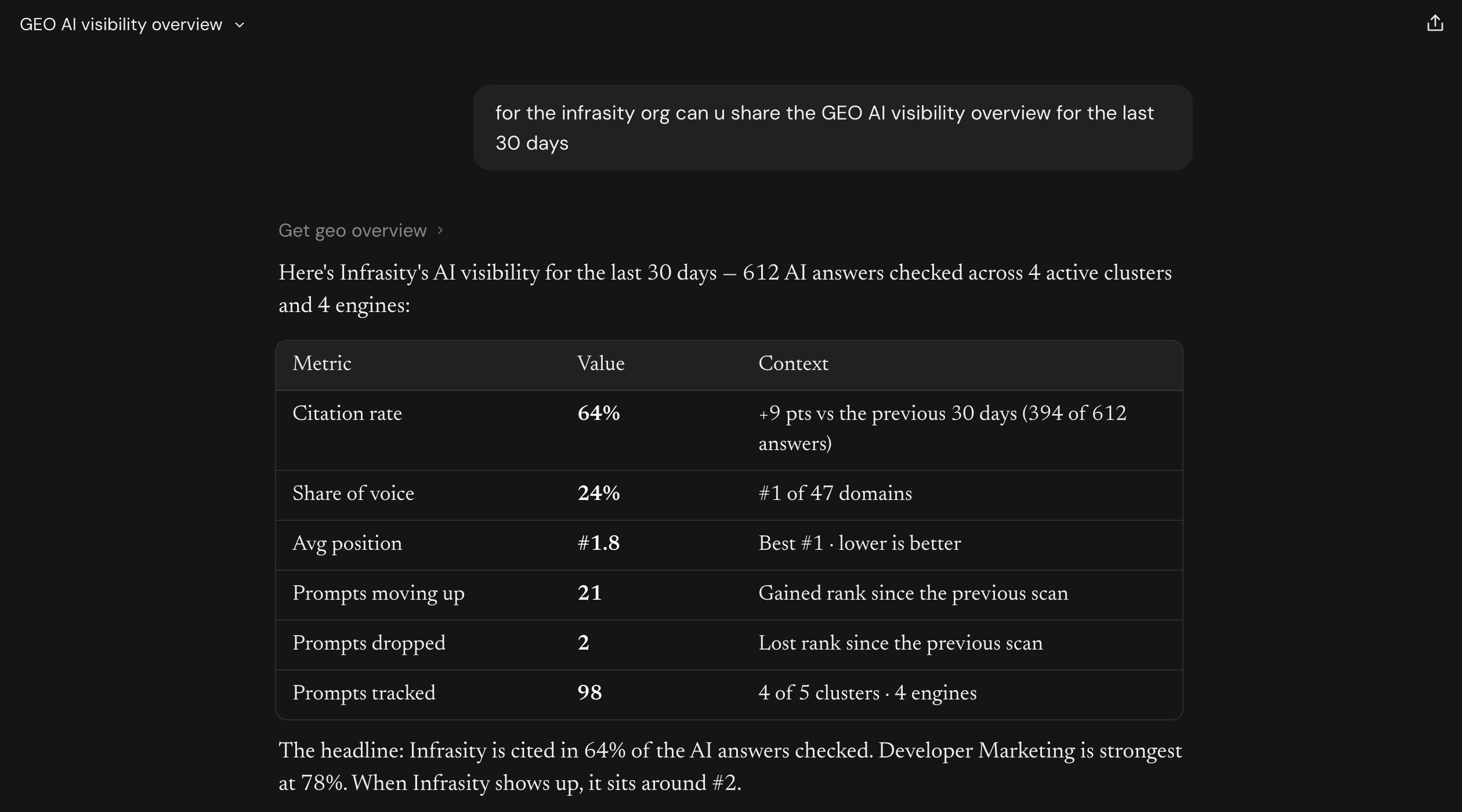
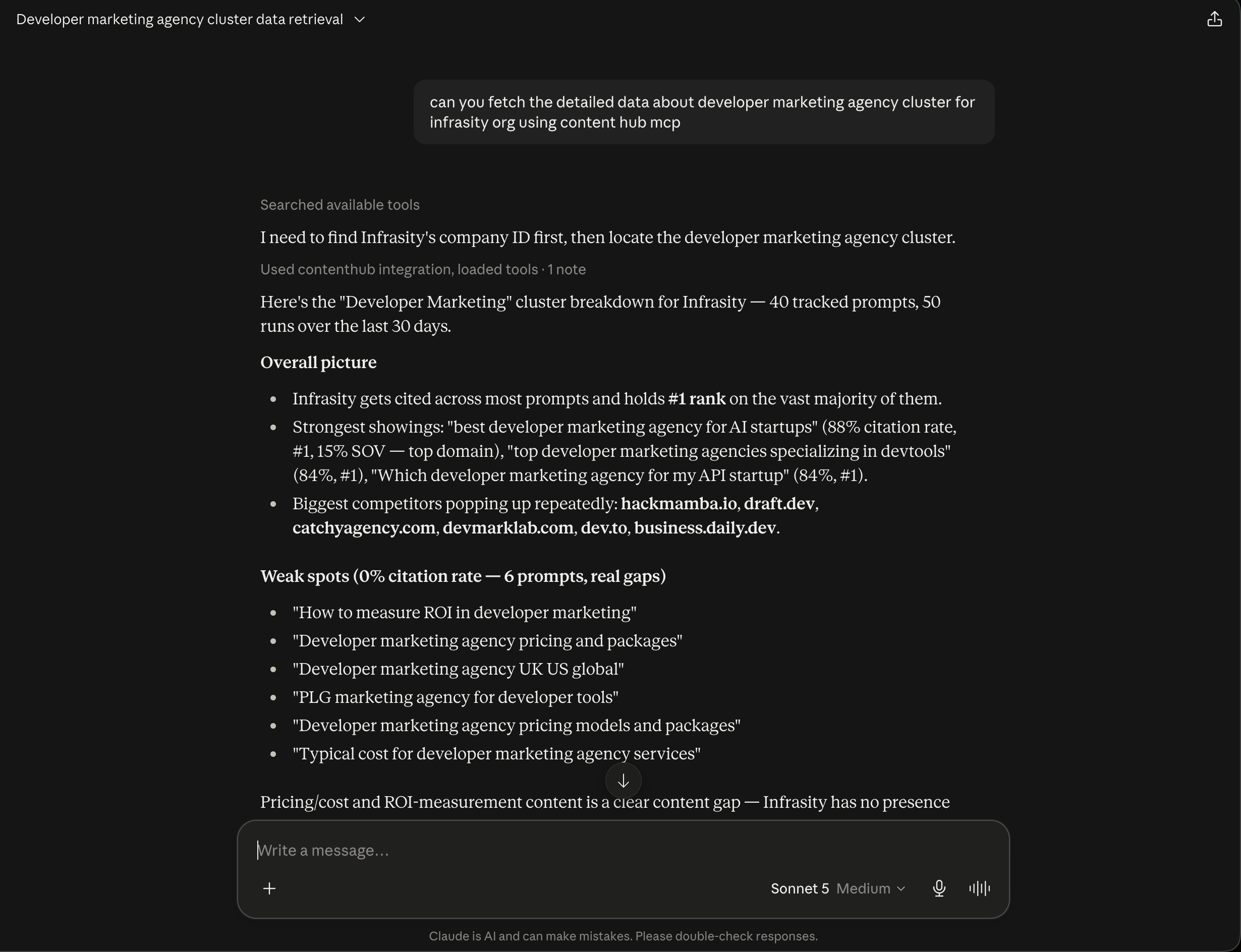
A cluster-level number tells you how a group of prompts performs, but not what to do about one of them. The prompt detail view answers that for a single prompt. It shows your citation rate and position, what is holding back the #1 spot, a suggested fix, the domains cited alongside you, and how each engine answers. When Claude Desktop is connected to Infrasity's Content Hub over MCP, you can retrieve all of it for any tracked prompt and ask Claude what to do first.
Before you start, confirm the following:
- Claude Desktop is connected to Content Hub over MCP. See the Content Hub MCP setup guide.
- The prompt is tracked in a GEO cluster and has run recently. Give Claude the exact prompt text and the cluster. If you do not know the text, ask for the cluster's prompt breakdown first.
Fetch the prompt detail
Request the full detail for "Top developer marketing agencies reviewed and compared" in the Developer Marketing cluster for the Infrasity organization.
Claude first states the prompt's status, which is one of four values:
- Owned (#1): you hold the top position in the latest scan.
- Weak (Cited): you are cited, but not at #1.
- Dropped: you were cited earlier in the window, but not in the latest scan.
- Missing: you were never cited in the window.
This prompt is Weak (Cited). That is the dashboard's label for "cited, but not first". Infrasity is at #2, up from #3 at the last scan. Four numbers follow:
- Citation rate: 92%, from 23 of 25 answers.
- Avg AI position: #2.1, which is 0.6 positions better than the last scan.
- Share of voice: 16%, against a cluster average of 15%.
- Answer leader: marketerhire.com, with 18% of this prompt's citations.
Claude then reads out what is holding back the #1 spot. The only reason flagged is that you are cited but not first. A suggested fix follows: tighten the page to earn the #1 spot, not just a mention. It names the domains to study first: marketerhire.com, clutch.co, and business.daily.dev.
See who else is cited and how each engine answers
Request the other domains cited in that answer and how each engine answers it.
The domain table shows each domain's share of the prompt's citations. marketerhire.com holds 18%, infrasity.com 16%, and clutch.co 9%. Each domain carries a type, so a competitor reads differently from a review site or a platform.
The engine table adds the detail. Infrasity is cited in 23 of 25 runs, and all four engines have you at #2 or #3 on the latest run. Claude also shows each engine's run history, newest first, with filled dots for runs that cited you and open dots for runs that did not. When every engine puts you in the top three, the remaining gap to #1 comes down to one competitor and one page, not a model-by-model problem.
Compare it with related prompts
Request the other prompts in this cluster.
Claude lists related prompts with their citation rate, position, and change. All four hold #1, and two climbed in the last scan. "Top developer marketing agencies reviewed and compared" is the one comparison prompt still at #2, so it is the closest remaining win in the cluster.
Request the first steps to take. Claude returns four:
- Compare the pages. Note what marketerhire.com's top-ranking page covers that yours does not.
- Refresh the comparison. Add current pricing, scope, and named client types.
- Get listed on clutch.co. It holds 9% of this prompt's citations.
- Re-check in two scans. A move from #2 to #1 confirms the fix.
Use the prompt detail on the prompts the overview shows as one step from #1. It is the step between "this prompt is close" and "here is what to change."
Open app.infrasity.com and retrieve the detail for a prompt in your own organization to see who is cited with you and what it takes to reach #1.